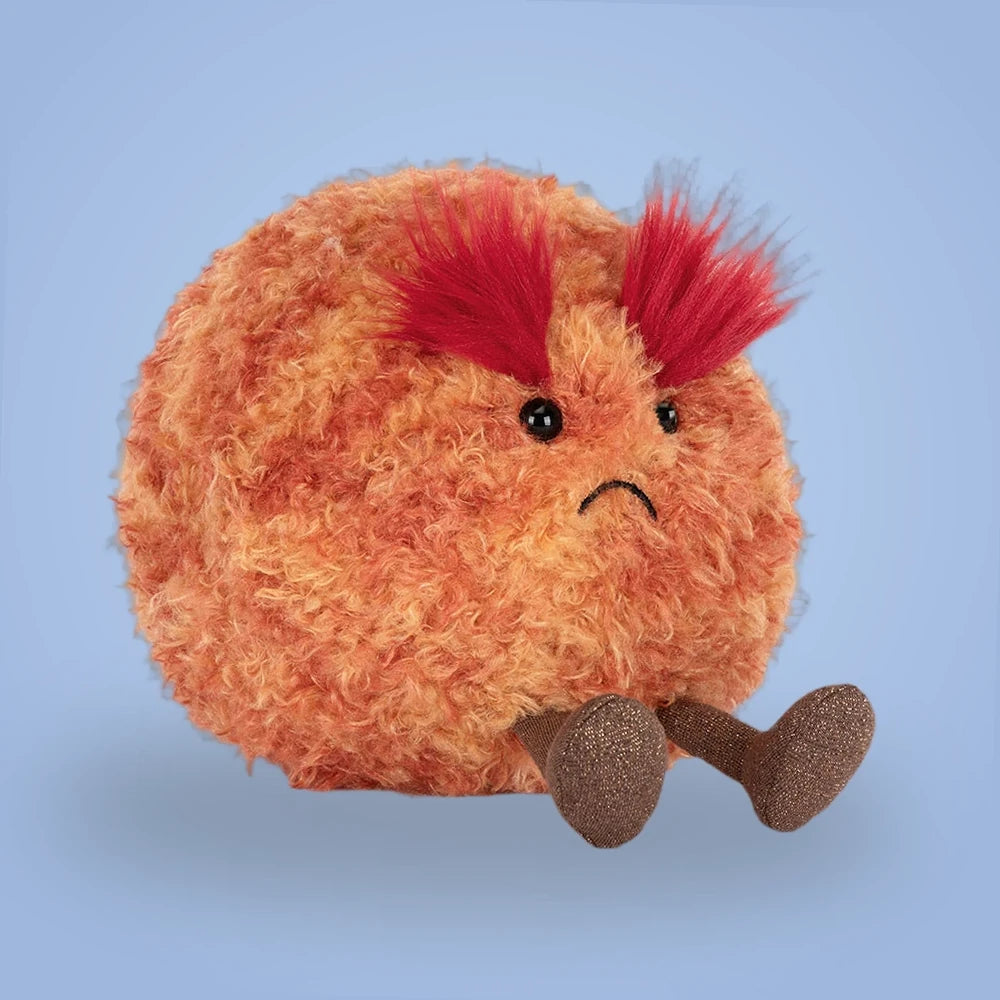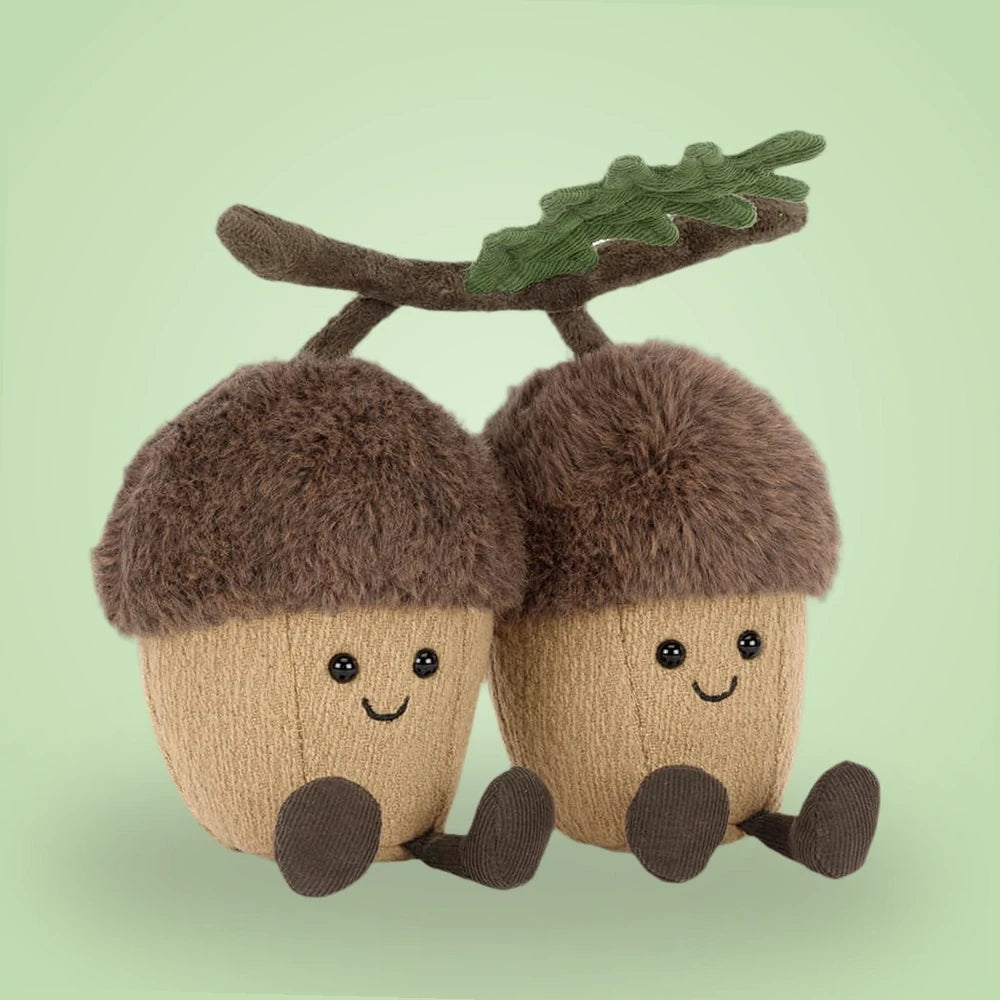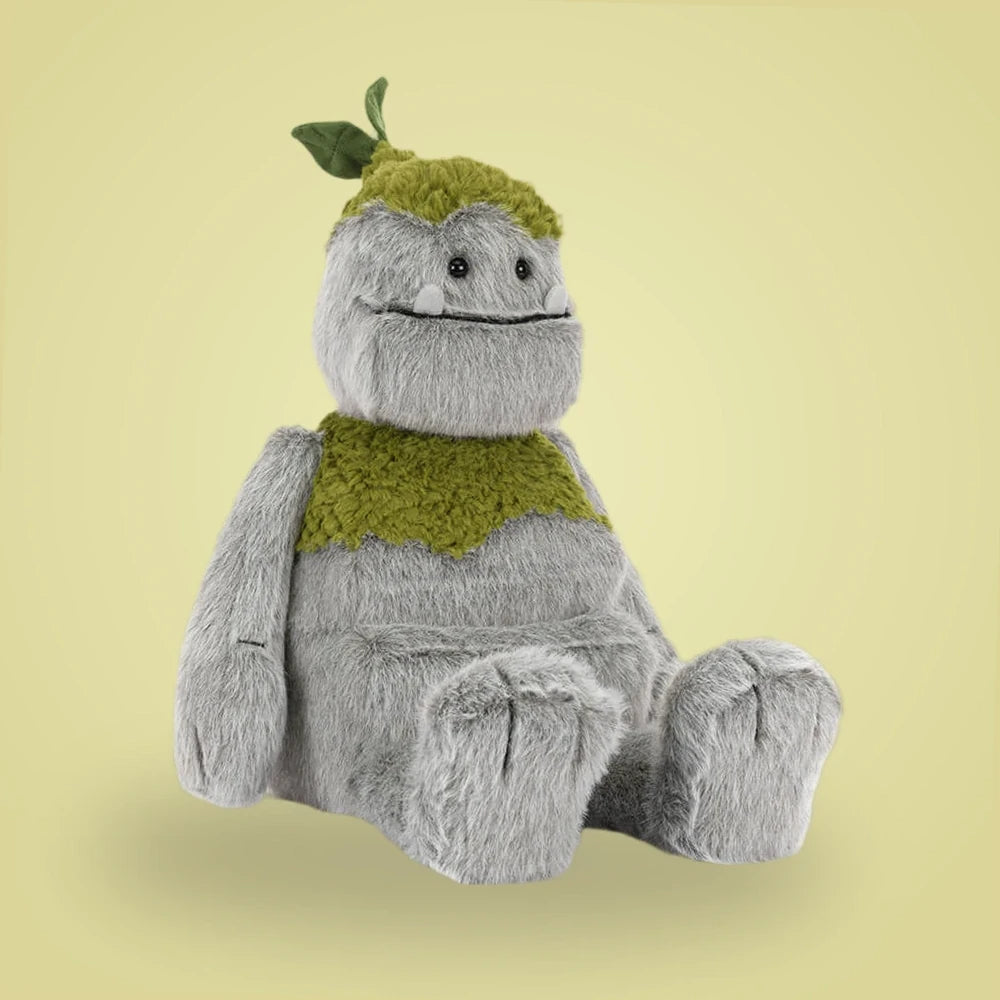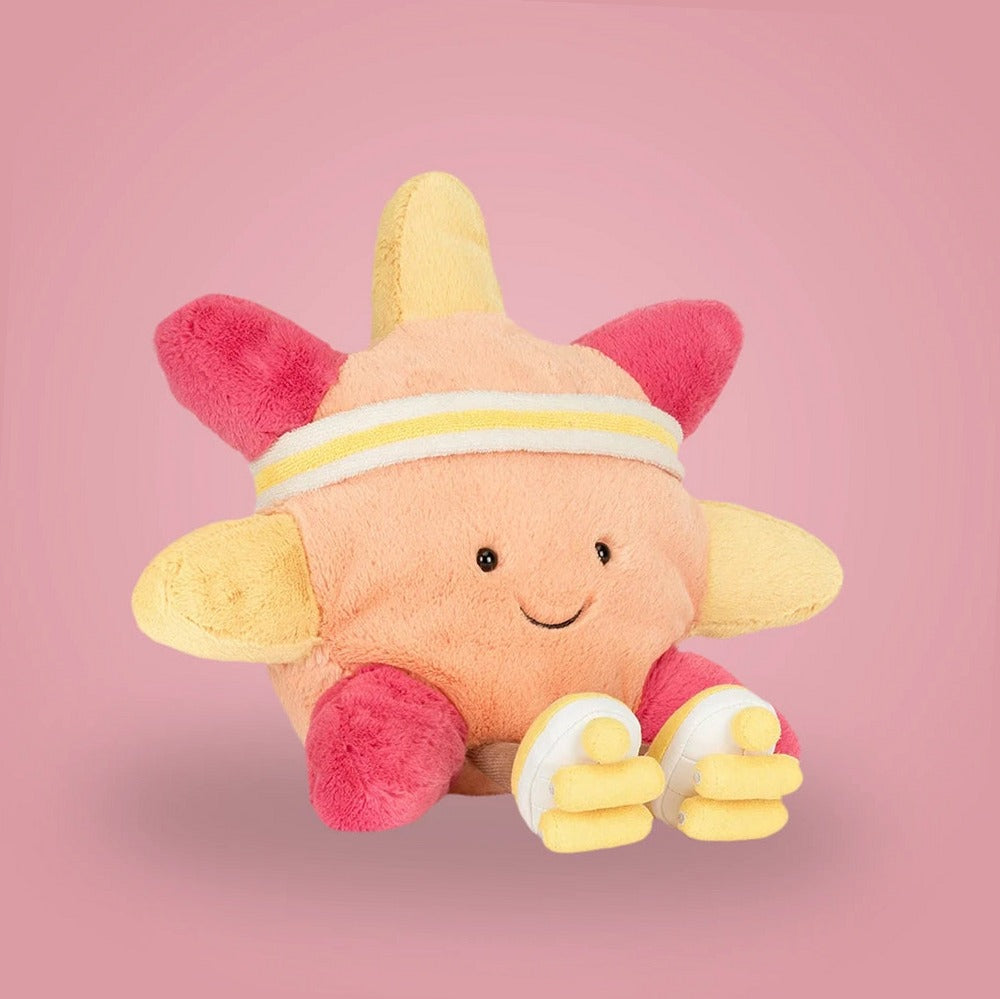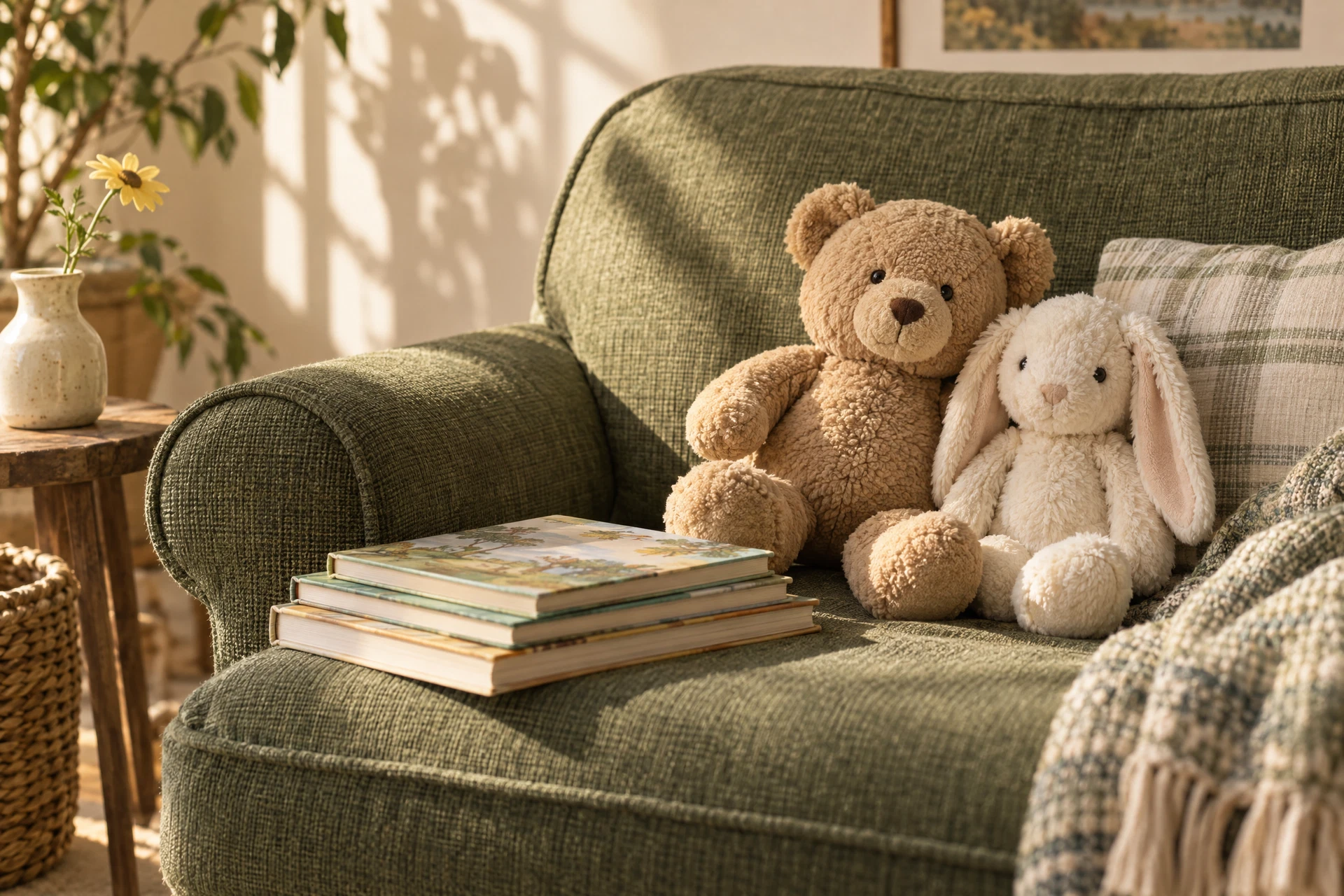
Stuffed animal photography is a focused skill: you want images that communicate texture, personality and scale without resorting to gimmicks. Whether you're documenting a collection, listing items for sale, or building a playful portfolio, the goal is consistent, flattering photos that make the subject readable at thumbnail size and large print. Start by thinking about what you want each image to say—a plush's facial expression, the feel of the fur, or how it sits in relation to props and people—and let that intention guide choices about light, background and framing.
Before you begin, gather the practical tools: a simple tripod or flat stable surface, a lens or phone with manual controls, a few neutral backgrounds and a soft light source. Organize your workspace so you can adjust small details quickly; even incremental changes in angle or light can change the perceived softness of fabric. If you need new subjects or accessories, see the Curious Characters collection for playful inspiration, read care recommendations on the care page, or reach out for questions via the contact page.
Decide the Story and Purpose
A strong photo starts with a clear purpose. Are you cataloging each plush with a straightforward, accurate image for inventory? Are you creating an emotive portrait to share on social media? Or are you photographing items for a product listing where customers will scrutinize condition and details? Define the primary function first—clarity for listings, character for portraits, or scale for group shots—and that decision will determine lighting, background choice and composition.
Create a short shot list before starting: front portrait, three-quarter view, detail close-ups (tags, seams, unique features), and a scale shot with a common object like a ruler or mug. This checklist saves time and ensures every image serves the purpose. For grouped displays or themed series, sketch or note how many subjects and what props you’ll need so you don’t interrupt your light setup mid-shoot.
Set Up Lighting That Flatters Fabric
Soft, diffused light is the most forgiving for plush. Avoid direct hard sunlight or harsh overhead bulbs that create blown highlights and deep shadows; instead, use a window with sheer curtains or a lampshade to scatter light evenly across the subject. If you have access to continuous LED panels, dial them down and soften with a diffuser or white sheet. The aim is to reveal texture without creating hotspots that erase detail.
Consider a simple three-point lighting approach for portraits: a soft key light at a slight angle to define form, a fill light or reflector opposite to soften shadows, and a subtle backlight to separate the toy from the background. For a budget alternative, place the plush near a north-facing window and bounce light with a foam board or a white towel. When documenting condition, use consistent light direction and intensity across all items to make comparisons fair and accurate.
Choose Backgrounds and Surfaces
Backgrounds set mood and provide scale cues. Neutral, low-texture backdrops such as plain paper, a blank wall, wood grain, or soft fabric keep the focus on the toy. For a clean listing, white or light gray backgrounds work well—use them consistently so viewers can compare pieces. For character shots, experiment with colorful fabrics or simple scenes like a child's chair or a vintage suitcase to suggest a story without overwhelming the subject.
Be mindful of color cast: highly saturated or reflective surfaces can tint the fur. Test a small swatch first and adjust white balance in-camera or in post. Also think about surface texture; a fur rug can add complementary texture but avoid patterns that compete with the plush’s design. When photographing multiple items together, use a background that unifies the group and a surface that supports stable posing.
Framing, Composition and Angles
Composition choices will change the perceived size and personality of the plush. Eye-level shots create immediacy and empathy; higher angles make small items look dainty; low angles give subjects a heroic stance. For portraits, place the eyes around the top third of the frame, and leave breathing room in front of the toy if it 'faces' the viewer. For listings, standardize framing—head-to-toe in frame with a little margin—so thumbnails align across items.
Use simple compositional tools: rule of thirds, leading lines from props or seams, and negative space to emphasize shape. When photographing groups, stagger heights and angles so each piece is visible; risers such as books or boxes can help. For closeups, fill the frame with the area of interest but leave a bit of context so viewers understand scale.
Camera Settings and Phone Tips
If you use a camera, choose a low ISO (100–400) to keep noise down and set aperture according to desired depth of field: wider apertures (lower f-number) for blurred backgrounds that isolate the subject, and narrower apertures (higher f-number) to keep more of the toy in focus. Use a tripod or steady surface to avoid camera shake at slower shutter speeds; use a remote or timer to reduce movement. Focus carefully on the eyes or the most important detail.
Phone cameras are fully capable with a few manual habits. Tap to lock focus and exposure on the plush’s face, use portrait mode for pleasing background blur when appropriate, and stabilize the phone using a small tabletop tripod or stack of books. If your phone app allows exposure compensation, lower it slightly to preserve texture highlights. Shoot in the highest resolution available and consider raw capture apps if you plan heavy color correction later.
Styling, Props and Hands-On Posing
Simple styling sells personality. Remove distracting tags or price stickers and fluff the fur with a soft brush, combing in the direction of the nap. Use small props that establish context—miniature books for studious characters, a tiny blanket for sleepy poses—without obscuring important features. For group photos, choose props that visually connect pieces like a shared blanket or a complementary backdrop pattern.
When posing, think about weight and balance. Seat plush on a stable surface or prop them discreetly with museum putty, fabric tabs or clear supports so they maintain a natural pose without visible clamps. Hands-on interaction creates relatable shots: hold a plush in an adult’s hands to show scale, or stage a play scene with a pair of toys. Compose each styled image so props enhance rather than distract from the main subject.
Post-Processing and File Handling
Post-processing should be about faithful representation and small enhancements. Adjust white balance to correct color casts, tweak exposure to recover highlights and shadows, and apply modest sharpening to reveal fabric texture. Crop to improve composition but avoid heavy recomposition that misrepresents size. Save edits as separate files so you retain original captures for reference or future use.
For cataloging or ecommerce, export images at appropriate sizes: smaller, optimized versions for web thumbnails and larger high-resolution files for prints or detailed inspection. Maintain a consistent naming convention and folder structure that includes item identifiers, condition notes and dates. Back up your master files to cloud storage or an external drive to protect your documentation work.
Common Mistakes and Quick Fix Checklist
Watch for these frequent errors: shiny blown-out highlights that erase texture, busy backgrounds that steal attention, inconsistent lighting across a set, and shaky handheld blur. Test a shot, then zoom in to check focus and texture before committing to a batch. When listing, mismatched framing or variable angles between items makes comparison difficult for buyers.
Use this quick checklist before any session: (1) clean and fluff the plush, (2) set consistent lighting and white balance, (3) choose a background that doesn’t compete, (4) stabilize your camera or phone, and (5) photograph a scale reference. These five steps prevent many common problems and keep the shoot efficient. As a small example, for one stuffed bear: fluff its fur, place it on a neutral gray paper near a north-facing window with a reflector on the opposite side, photograph a headshot at eye level, a three-quarter view, and a ruler beside it—then repeat the same setup for the next bear to ensure comparability.
Care-Conscious Handling and Legal Notes
Handle each plush with clean hands and a gentle touch. Some materials show oils or attract dust; work on a clean surface and use a soft brush to remove loose debris. When a piece shows stains or needs deeper cleaning, check the manufacturer’s exact label and care instructions for what is safe. Avoid recommending machine washing or any cleaning method unless explicitly permitted on the item’s label.
If you plan to sell or display photographs, make clear, accurate descriptions accompany images—condition notes, visible wear, and any missing tags. For questions about larger orders or partnerships, consult the wholesale page for how to inquire and the contact page to start a conversation. These practical steps keep your photography useful, honest and respectful of the care each stuffed animal requires.
Explore the details before choosing
Take a closer look at Curious Characters, review our plush and clothing care guidance, or ask about specifications and availability before making an order request.